Rush: Dynamic 3D Text Style Effect PSD for Impactful Designs
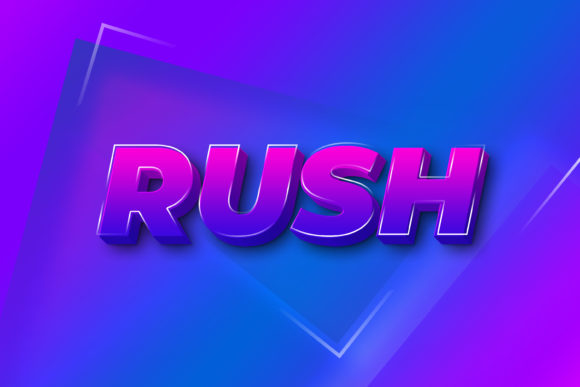
Capturing attention in a crowded digital space often starts with bold, impactful typography that leaps off the screen. The Rush - 3D Text Style Effect PSD offers a powerful solution, providing a ready-made, high-quality text effect that instantly adds depth, dimension, and a professional polish to your creative projects. This design asset is more than just a simple overlay; it's a versatile tool built for efficiency and visual impact.
Understanding the Rush 3D Text Effect
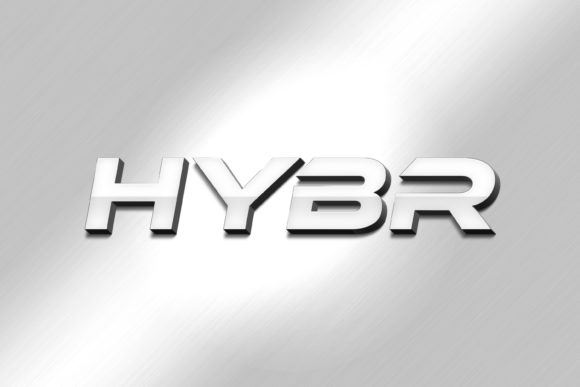
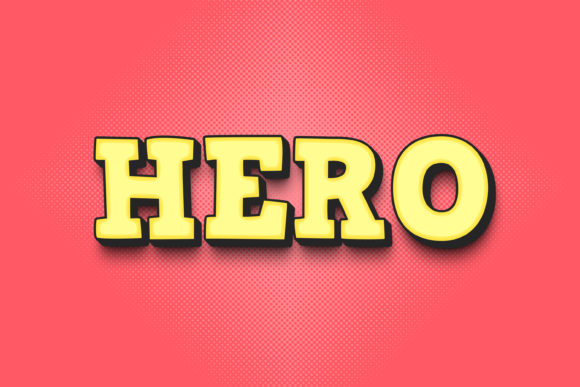
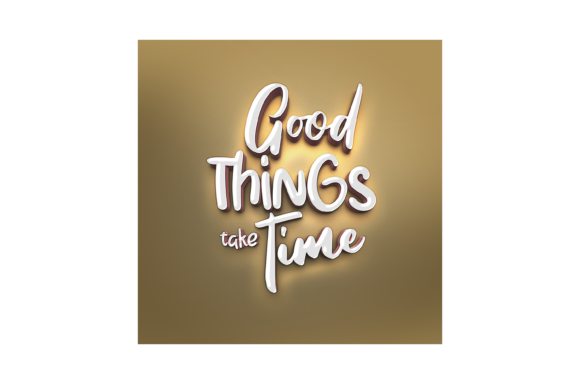
This resource is a meticulously crafted Photoshop file that applies a stunning 3D style to any text or shape you choose. The core of its appeal lies in the Smart Object Replacement feature, which makes customization incredibly straightforward. You don't need to be a Photoshop expert to achieve a complex, layered 3D look. The file is designed with Organised Layers, ensuring a clean workflow whether you're making a quick edit or diving deeper into customization.
Key specifications include a generous 3000×2000 pixel canvas at 300dpi, making it suitable for both high-resolution print materials and crisp digital displays. The package typically includes the editable PSD file, a preview JPG for quick reference, and a Read Me.txt with usage instructions.
Where This 3D Text Style Shines
The applications for a dynamic text effect like this are vast. It's an excellent asset for creating standout logo design elements, where a unique typographic treatment can define a brand identity. Think of eye-catching headers for websites, bold titles for poster design, or engaging visuals for social media graphics that need to stop the scroll.
- Editorial & Packaging Design: Use it for magazine covers, book titles, or product packaging that needs a modern, tactile feel.
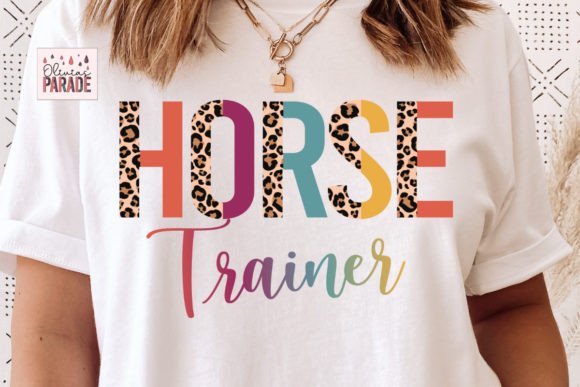
- Digital Products & Merchandise: Create compelling mockups for t-shirts, mugs, or digital product covers that look premium and polished.
- Event Invitations & Marketing: Design memorable invitations, flyers, or promotional banners with a strong visual hierarchy.
Practical Tips for Seamless Integration
To get the most out of the Rush - 3D Text Style Effect PSD, consider a few practical steps. First, always test the effect with your chosen words and fonts. While the effect is versatile, readability is key, especially for longer phrases. The easy to edit nature allows you to experiment quickly.
Think about font pairing. A bold 3D display effect like this pairs well with clean, simple sans serif fonts or elegant serif fonts for body text, creating a balanced and professional layout. Consider the mood of your project—does the style of the 3D effect match the tone you want to convey, whether it's futuristic, retro, or elegantly modern?
Streamlining Your Design Workflow
The true value of a well-organized design asset is the time it saves. The process is simple: open the PSD, double-click the designated smart object layer, replace the placeholder text with your own, and save. The effect automatically updates on your main canvas. This efficiency is invaluable for designers working on multiple projects or under tight deadlines.
Before downloading any design assets, including premium fonts and effects, it's wise to verify the licensing terms to ensure they fit your intended use, especially for commercial projects. A high-quality, editable PSD like this one is a worthwhile investment for any designer's toolkit, elevating the standard of visual work and helping to create a more cohesive and professional presentation across various media.
Ultimately, choosing a thoughtfully designed font or text effect is about enhancing communication. The Rush 3D Text Style provides a reliable way to add that extra layer of sophistication and energy, helping your key messages resonate more powerfully with your audience.