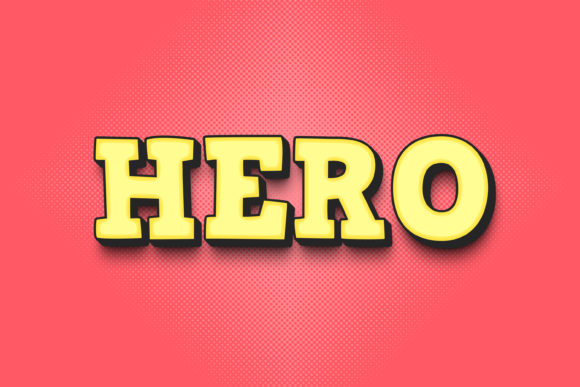
Hero: Instant 3D Text Style for Bold Designs
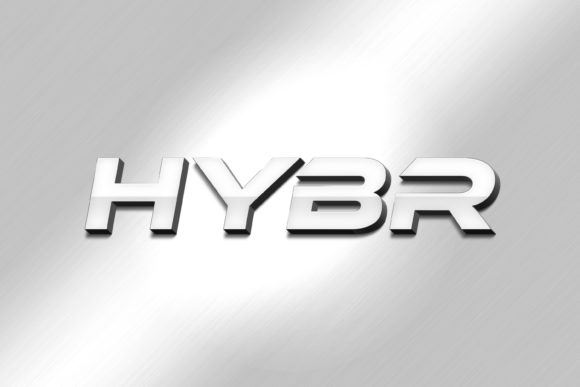
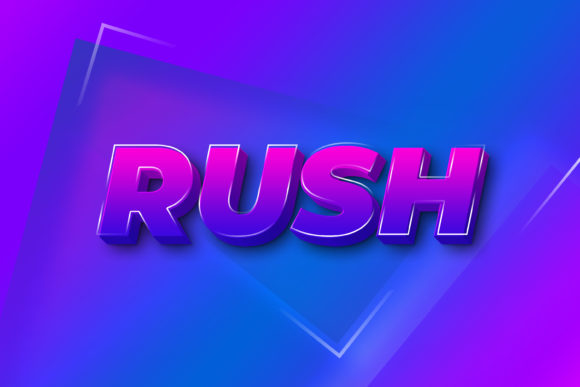
Creating that perfect, eye-catching 3D text effect for a headline or logo can be a time-consuming challenge, but the right asset can transform your workflow and final result. The Hero - 3D Text Style Effect PSD is a meticulously crafted design asset that offers a premium, polished look with remarkable ease. This isn't just a static image; it's a fully editable Photoshop file designed for creative professionals who need impactful typography without the complex setup.
At its core, this resource is a smart object replacement system. This means the heavy lifting of creating realistic depth, lighting, and perspective for your text is already done. You simply open the file, double-click the designated smart object layer, and type your own word or phrase. The effect is automatically applied, saving you hours of manual work and ensuring a consistently professional finish. With a resolution of 3000×2000 pixels at 300dpi, it's perfect for high-quality print and large-scale digital displays.
Where This 3D Effect Truly Shines
The versatility of this editable PSD makes it a valuable addition to any designer's toolkit. Consider using it for projects where text needs to command attention and convey strength or modernity. It’s an excellent fit for:
- Logo and Brand Identity: Create a memorable wordmark for a brand that wants to project confidence and innovation. The 3D style can add a tactile, premium feel to a company's visual identity.
- Poster and Editorial Design: Make headlines in magazines, event posters, or book covers jump off the page. The effect adds dynamic energy to layouts that need to capture interest quickly.
- Social Media Graphics and Web Banners: Stop the scroll with standout text for promotions, announcements, or channel branding. The high resolution ensures it looks sharp on all screens.
- Packaging and Merchandise: Elevate product names on packaging, apparel, or promotional items. The three-dimensional look can suggest quality and craftsmanship.
Tips for Choosing and Using Your Font Effectively
While the Hero effect provides the style, the underlying typeface you choose within the smart object is crucial. Here’s how to get the best result:
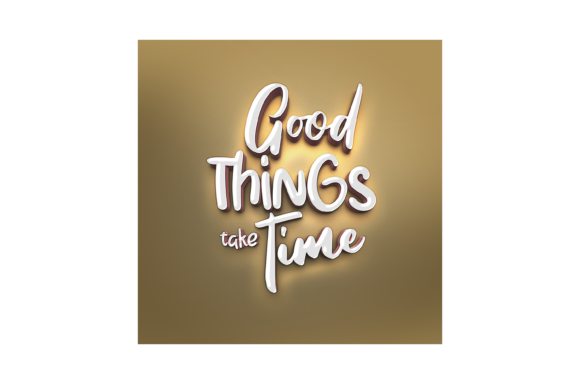
First, consider readability. A bold, clean sans serif font or a strong serif font often works best, as the 3D effect can sometimes obscure the details of overly intricate script or handwritten fonts. Test your chosen typeface to ensure each letter remains clear.
Second, match the mood of your project. The 3D style carries a specific tone—often modern, techy, or game-inspired. Ensure it aligns with your overall design concept. A font pairing strategy can help; use the Hero effect for your main headline and pair it with a simpler, complementary typeface for body text to maintain hierarchy and balance.
Finally, always check the license of both the PSD asset and your chosen font to confirm they are suitable for your intended commercial use, whether for a client project, digital product, or merchandise.
Investing in a high-quality, easy-to-edit asset like this streamlines the creative process, allowing you to focus on the bigger picture of your design. It ensures your work looks polished and professional, which strengthens brand recognition and visual consistency. For designers looking to add a powerful typographic tool to their design assets, this 3D text style PSD offers a blend of convenience and high-impact visual appeal that can elevate numerous creative projects.