MERYLIN: Minimal Brand Guidelines for Modern Designers
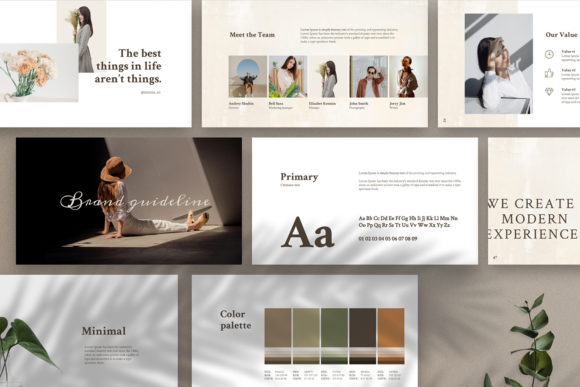
Every designer knows the challenge: crafting a comprehensive, visually stunning brand guideline deck from scratch is a monumental task. Hours turn into days, and the repetitive layouts can stifle creativity. Enter the Google Slide Branding Guideline MERYLIN, a template designed to transform this process into a swift, enjoyable, and professional experience. This is more than a set of slides; it's a foundational design asset for building a powerful visual identity.
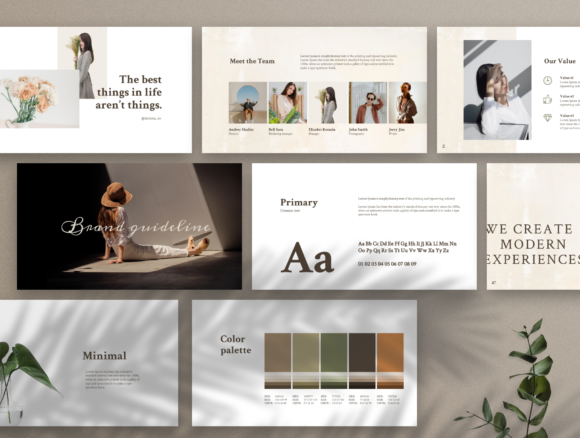
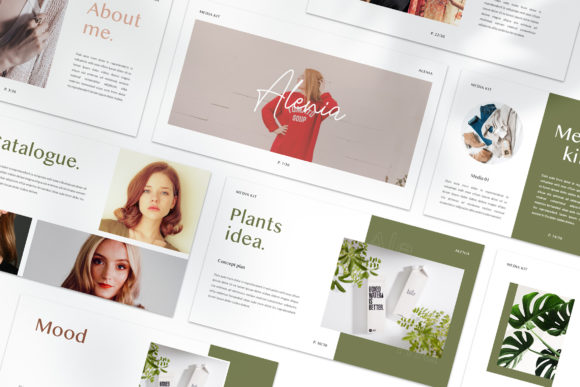
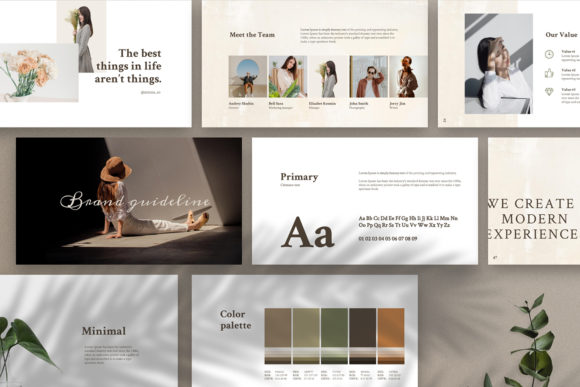
MERYLIN stands out with its 88+ unique and gorgeous layouts, ensuring your brand presentation is never monotonous. Each slide is thoughtfully crafted with a modern, minimal aesthetic that lets your brand's content shine. The fully smooth animations add a layer of polish and sophistication, making every transition feel intentional and premium. It’s the perfect toolkit for creating digital brand guidelines, a marketing kit, or a compelling brand presentation that leaves a lasting impression.
Unlocking Creative Potential with a Flexible Template
The true value of a tool like MERYLIN lies in its versatility. It’s built for creators who need to communicate a brand's essence clearly and beautifully. Consider these practical applications:
- Brand Identity & Logo Presentation: Showcase your logo variations, color palettes, and typography system with clarity and elegance.
- Marketing & Social Media Kits: Design cohesive social media graphics, poster designs, and digital ad templates that maintain visual consistency across platforms.
- Client Proposals & Pitches: Deliver a professional, high-impact deck that reflects the quality of your work, impressing clients from the first slide.
- Internal Style Guides: Provide teams with a clear, easy-to-follow reference for using brand assets correctly, from web design to packaging.
This template acts as a catalyst, freeing you from the grunt work of layout design so you can focus on the creative strategy that truly matters. The high-resolution 1920×1080 pixel (Full HD) slides ensure everything looks crisp and professional, whether displayed on a monitor or projected in a boardroom.
Practical Tips for Seamless Integration
To get the most out of a template like MERYLIN, a thoughtful approach is key. Start by defining the core mood and message of your brand. The template’s minimal design is adaptable, but pairing it with the right typeface is crucial. The included free fonts are a great starting point, but always test how your chosen fonts perform across different slide layouts. Check for readability, especially in body text.
Font pairing is an art. Use the template’s structure to experiment. A classic combination might involve a strong serif font for headings and a clean sans serif font for body copy, or a modern script font for accents against a neutral backdrop. MERYLIN’s layouts provide the perfect canvas for these experiments, helping you visualize how different typographic hierarchies work in a real-world context.
Elevating Your Brand's Visual Story
Ultimately, a tool like the Google Slide Branding Guideline MERYLIN is about elevating your brand's visual story. It provides the structure for a cohesive narrative, ensuring every element—from color swatches to icon sets and device mockups—works in harmony. This consistency is what builds brand recognition and trust. Instead of wrestling with slide masters and alignment tools, you can invest your energy in the creative decisions that define a brand's personality.
Choosing a well-designed, comprehensive template is an investment in efficiency and quality. It empowers you to produce work that looks polished and professional from the outset, making it an invaluable asset for freelancers, agencies, and in-house teams alike. With MERYLIN, the path from concept to a powerful, animated brand guideline deck is not only clear but also creatively inspiring.